
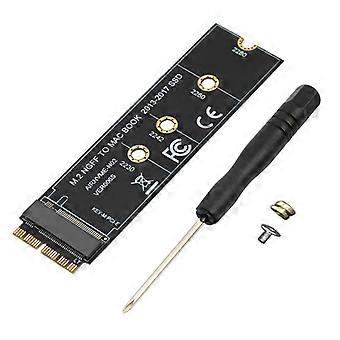
M.2 NVME SSD Convert Adapter Card for MacBook Air Pro Retina 2013-2017 NVME/AHCI SSD Kit for A1465 A1466 A1398 A1502
+ 4,49 € Livraison
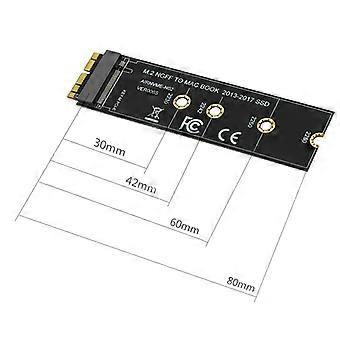
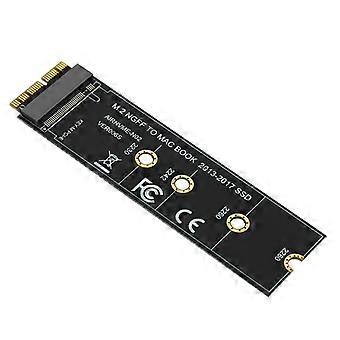
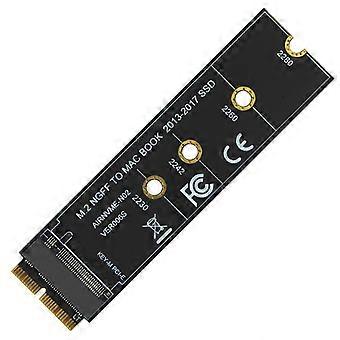
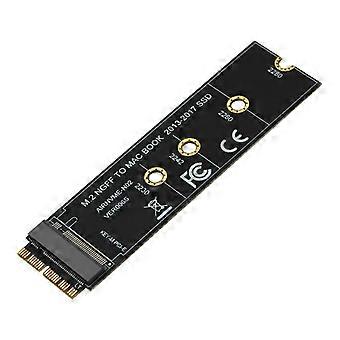
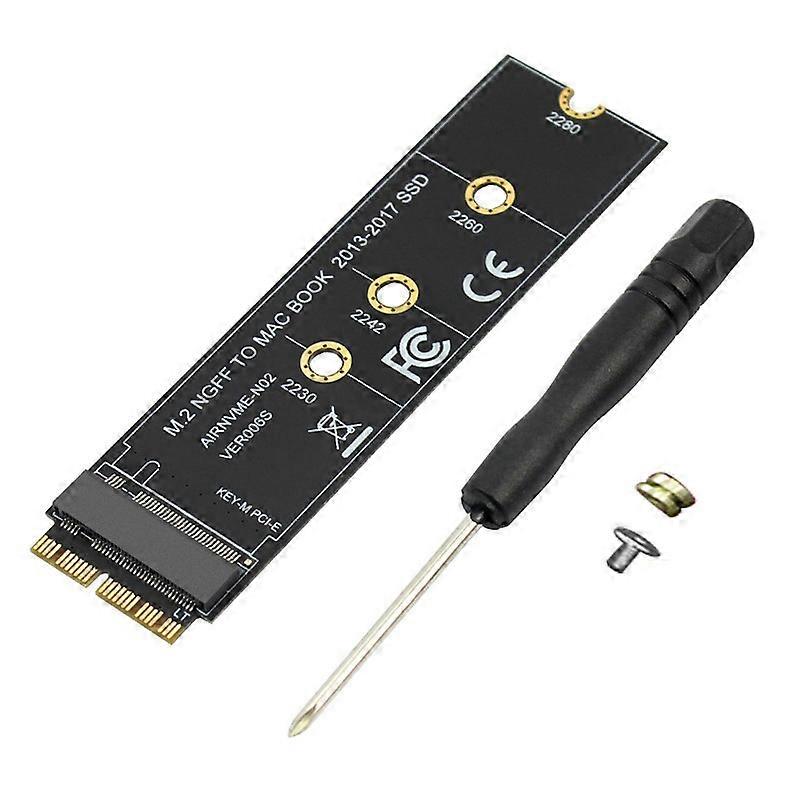
M.2 NVME SSD Convert Adapter Card for MacBook Air Pro Retina 2013-2017 NVME/AHCI SSD Kit for A1465 A1466 A1398 A1502
- Marque: Unbranded
M.2 NVME SSD Convert Adapter Card for MacBook Air Pro Retina 2013-2017 NVME/AHCI SSD Kit for A1465 A1466 A1398 A1502
- Marque: Unbranded
Économisez 3,00 € (33%)
Prix de vente recommandé
Économisez 3,00 € (33%)
Prix de vente recommandé
Nous acceptons les modes de paiement suivants
Description
M.2 NVME SSD Convert Adapter Card for MacBook Air Pro Retina 2013-2017 NVME/AHCI SSD Kit for A1465 A1466 A1398 A1502
- Marque: Unbranded
- Catégorie: Cartes et adaptateurs d'interface pour ordinateurs
-
Couleur: Black
- Identifiant Fruugo: 445563387-935739977
- EAN: 4713387336674
Informations sur la sécurité des produits
Veuillez consulter les informations de sécurité du produit spécifiques à ce produit décrites ci-dessous.
Les informations suivantes sont fournies par le détaillant tiers indépendant vendant ce produit.
Livraison & retours
Expédition dans les 24 heures
-
STANDARD: 4,49 € - Livraison entre mar. 16 décembre 2025–jeu. 25 décembre 2025
Expédition de Chine.
Nous mettons tout en œuvre pour que les produits que vous commandez vous soient livrés dans leur intégralité et selon vos indications. Néanmoins, si vous recevez une commande incomplète, des articles différents de ceux commandés ou si, pour toute autre raison, la commande ne vous satisfait pas, vous pouvez retourner la commande ou tout produit inclus dans celle-ci et recevoir un remboursement complet des articles. Voir l'intégralité de la politique de retour
Détails de conformité du produit
Veuillez consulter les informations de conformité spécifiques à ce produit décrites ci-dessous.
Les informations suivantes sont fournies par le détaillant tiers indépendant vendant ce produit.
Fabricant:
Les informations suivantes indiquent les coordonnées du fabricant du produit concerné vendu sur Fruugo.
- Shenzhen Haoyouqu Electronics Co., Ltd.
- Shenzhen Haoyouqu Electronics Co., Ltd.
- Tian'an Community
- Shatou Subdistrict
- Futian District
- shenzhen
- CN
- 518000
- wiodjhjil@outlook.com
- 865320490316
Personne responsable dans l'UE:
Les informations suivantes indiquent les coordonnées de la personne responsable dans l'UE. La personne responsable est l'opérateur économique désigné basé dans l'UE qui est responsable des obligations de conformité relatives au produit concerné vendu dans l'Union européenne.
- 0utong GmbH
- 0utong GmbH
- Brehmstr, 56,40239 Duesseldorf
- Düsseldorf
- Germany
- 40239
- info@outong.de
- 4921131054698