
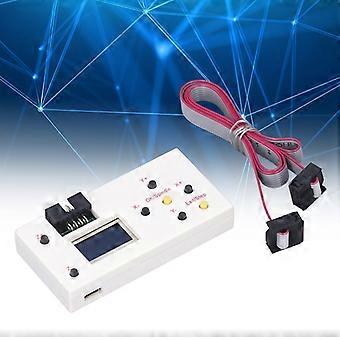
Controller Machine Router Engraving 3 Offline Axes Control Module CNC Board
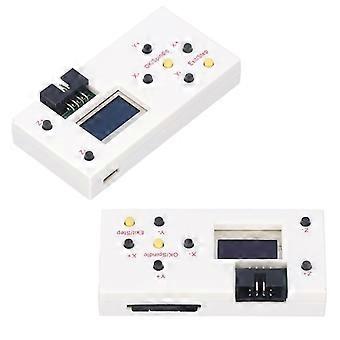
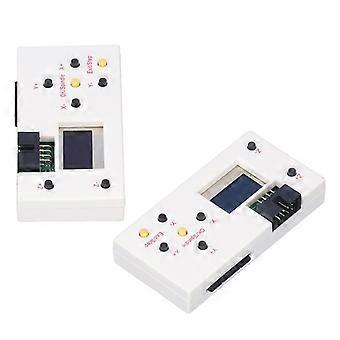
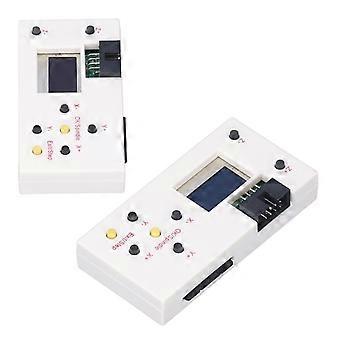
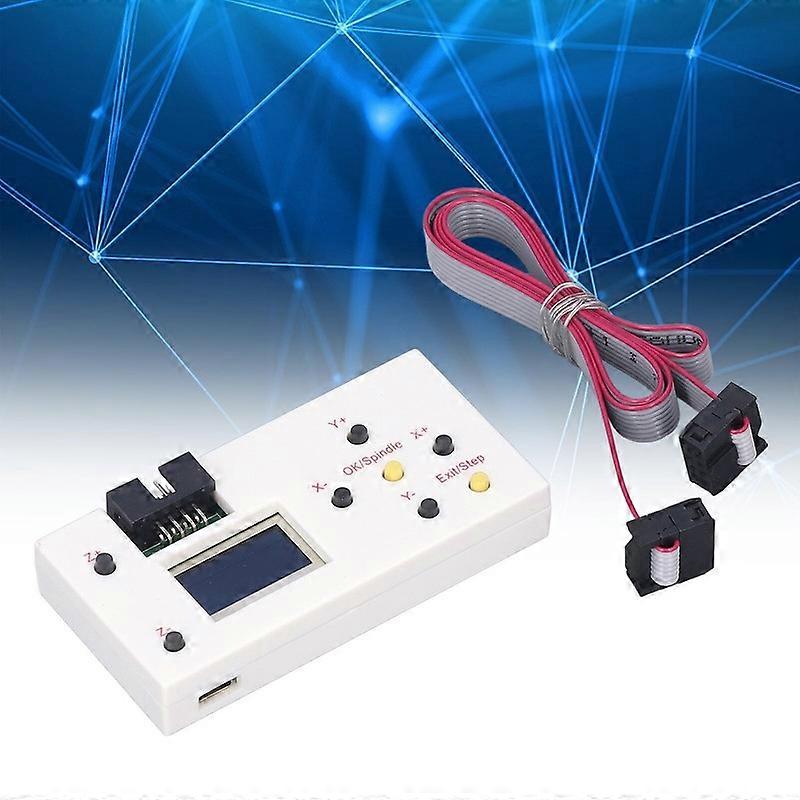
Controller Machine Router Engraving 3 Offline Axes Control Module CNC Board
- Marque: Unbranded
Verkocht door:
Controller Machine Router Engraving 3 Offline Axes Control Module CNC Board
- Marque: Unbranded
Actuellement indisponible
Politique de retour sur 14 jours
Verkocht door:
Actuellement indisponible
Politique de retour sur 14 jours
Modes de paiement:
Description
Controller Machine Router Engraving 3 Offline Axes Control Module CNC Board
Feature:
1. Offline Control: With the offline controller module, you can control the CNC router without connecting to a computer, so the CNC router can be placed anywhere you want, such as garages and workshops.
2. Manual Control: The XYZ axes position can be manually adjusted as the starting point for engraving. The module can also manually control the spindle on or off mode.
3. Simpler Access: After the file is put into the memory card, the engraving file can be directly recognized. You can also connect the offline module to a computer via a micro USB cable and store files directly.
4. Ideal Matching: The offline module is perfectly compatible with 3018, 3018 PRO CNC routers and other general purpose 3018PRO CNC routers.
5. Easier Working: You just need to connect the offline module to the GRBL controller board and then you can use this module to control the CNC router.
Specification:
Item Type: CNC Router Offline Control Module
Connection: USB, USB CH340.
Software: GRBL Controller, universal G Codes transmitter.
Input Voltage: 12-36V
Main Control Chip: For atmel 328P.
Stepper Motor Driver: A4988
Spindle Drive Chip: MOSFET, recommended 12-36V, within 10A.
Spindle PWM Speed Regulation: support
Support Stepper Motor: 12V, within 1.5A, it is recommended that the maximum current be less than 2A, stepper motor 42, 57.
Laser Engraving: Supports
Power Interface: 5.5-2.5mm DC interface.
Package List:
1 x CNC Router Offline Control Module
1 x FC 8P Cable
1 x Memory Card
1 x Memory Card Holder
1 x User Manual
Note:
The router cannot be connected to the offline controller and the USB cable at the same time. Disconnect the USB cable from the router before connecting the offline controller.
How To Use
1. Press Z+ and Z‑ to move the Z axes up and down.
2. Press X+ and X‑ to move the X axes left and right.
3. Press Y+ and Y‑ , the Y axes will move back and forth.
4. Press SPIN: Spindle ON or Laser ON, Spindle OFF or Laser OFF.
5. Press SMOD: Return
6. Press Z+ for 5 seconds to change the language to English.
7. Memory Card: Included, you need a memory card reader to write the G codes file in the root directory.
- Marque: Unbranded
- Catégorie: Ponts et routeurs VoIP
- Identifiant Fruugo: 465266807-978050443
- EAN: 1350125504365
Livraison & retours
Expédition dans un délai de 3 jours
Expédition de Chine.
Nous mettons tout en œuvre pour que les produits que vous commandez vous soient livrés dans leur intégralité et selon vos indications. Néanmoins, si vous recevez une commande incomplète, des articles différents de ceux commandés ou si, pour toute autre raison, la commande ne vous satisfait pas, vous pouvez retourner la commande ou tout produit inclus dans celle-ci et recevoir un remboursement complet des articles. Voir l'intégralité de la politique de retour