
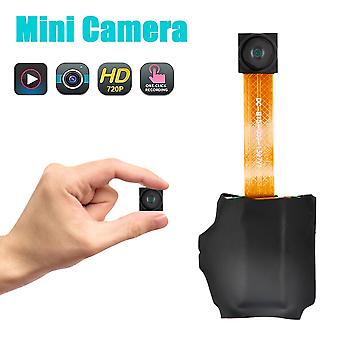
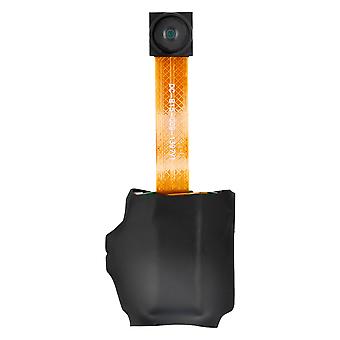
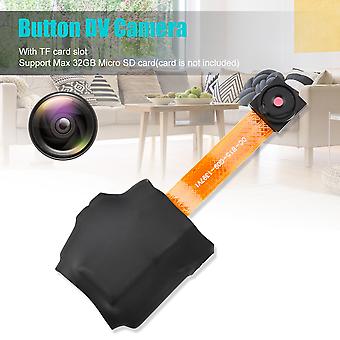
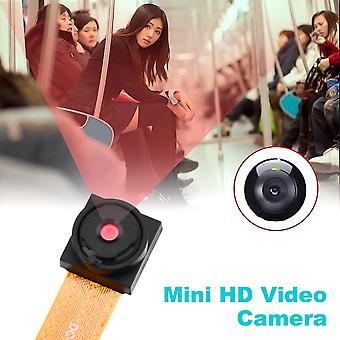
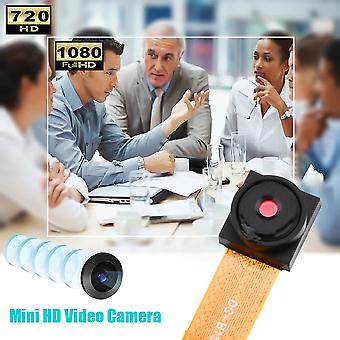
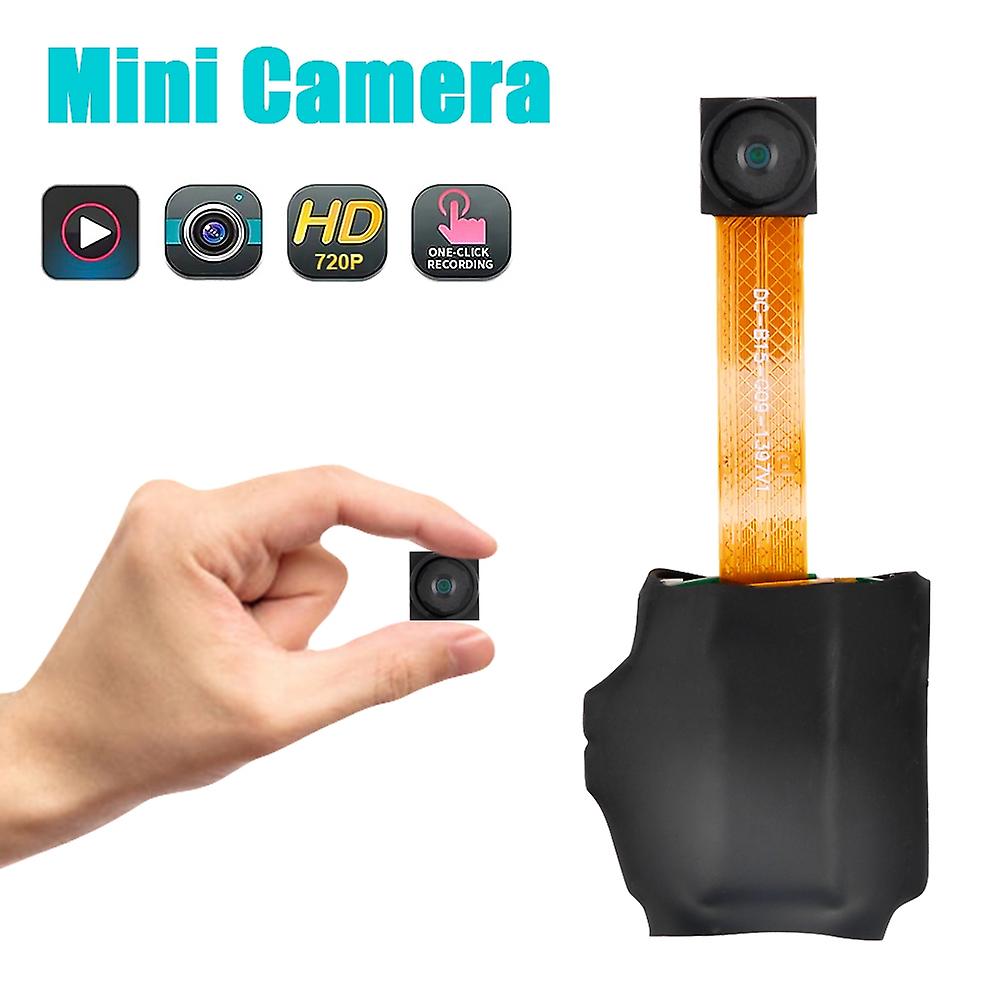
720P Button DV Camera Mini Video Camera Loop Recording Computer Webcam
+ €4.49 Shipping
720P Button DV Camera Mini Video Camera Loop Recording Computer Webcam
€27.55
Save €50.05 (67%)
RRP
Payment methods:
- Brand: Unbranded
Product details
Product details
720P Button DV Camera Mini Video Camera Loop Recording Computer Webcam
- Brand: Unbranded
- Category: Webcams
- Fruugo ID: 307722732-688944761
- EAN: 6914235016580
Promise
Seller guarantee
Your EU consumer rights include a free minimum 2-year legal guarantee.
Download Legal Guarantee of conformity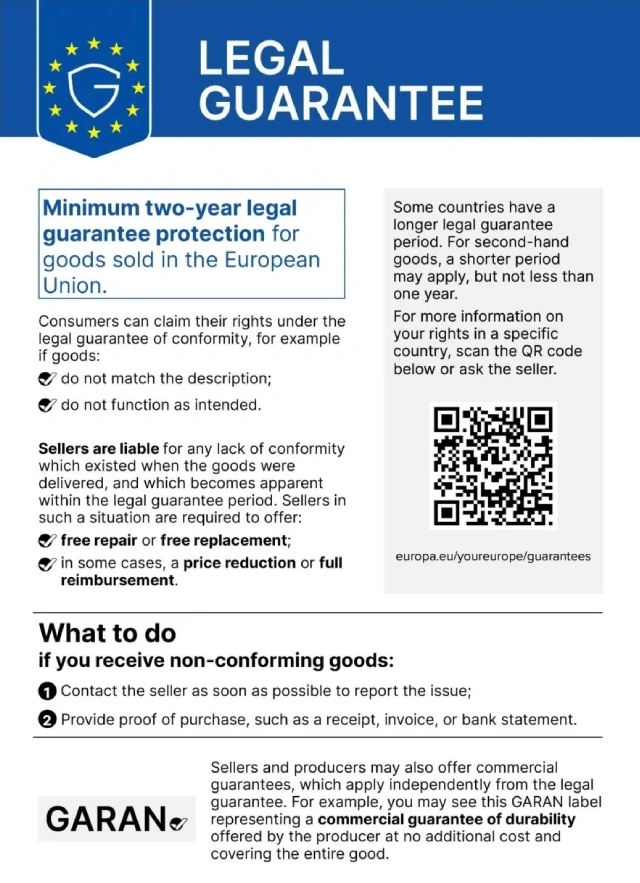
Safety
Product Safety Information
Please see the product safety information specific to this product outlined below
The following information is provided by the independent third-party retailer selling this product.
Product Safety Labels

Product Compliance Details
Please see the compliance information specific to this product outlined below.
The following information is provided by the independent third-party retailer selling this product.
Manufacturer
The following information outlines the contact details for the manufacturer of the relevant product sold on Fruugo.
- Shenzhen Shi Xin Baichuan Keji Youxian Gongsi
- Shenzhen Shi Xin Baichuan Keji Youxian Gongsi
- Room 601-58, Times Square, West Gate, No. 99, Longcheng Avenue, Shangjing Community, Longcheng Street, Longgang District, Shenzhen
- Longgang District, Shenzhen,GuangDong
- China
- ShenZhen
- CN
- 518172
- [email protected]
- 18676402665
- https://www.fruugo.co.uk/shenzhen-shi-xin-baichuan-keji-youxian-gongsi/m-18520#
Responsible Person in the EU
The following information outlines the contact information for the responsible person in the EU. The responsible person is the designated economic operator based in the EU who is responsible for the compliance obligations relating to the relevant product sold into the European Union.
- Dehong GmbH
- Dehong GmbH
- Hohenzollerndamm 152
- Germany
- Berlin
- DE
- 14199
- [email protected]
- 0049-30 82099411
- https://implisense.com/de/companies/dehong-gmbh-berlin-DEJNDVZDD731
Delivery
Delivery
Dispatched within 24 hours
-
STANDARD: €8.09 - Delivery between Thu 10 September 2026–Thu 17 September 2026
Shipping from China.
Returns
Returns & Cancellations
Returns
We do our best to ensure that the products that you order are delivered to you in full and according to your specifications. However, should you receive an incomplete order, or items different from the ones you ordered, or there is some other reason why you are not satisfied with the order, you may return the order, or any products included in the order, and receive a full refund for the items.
Cancellations
You have the right to withdraw from your purchase within 14 days from receiving your order without giving a reason. To exercise your right easily, you can use the "Cancel my order" link in the footer of every page or within your Fruugo account under "Orders". Once you exercise your right to withdraw, we will send you an email acknowledgment. If your order has already been shipped by the retailer, we will provide you with the necessary return instructions to ensure your refund is processed promptly.